


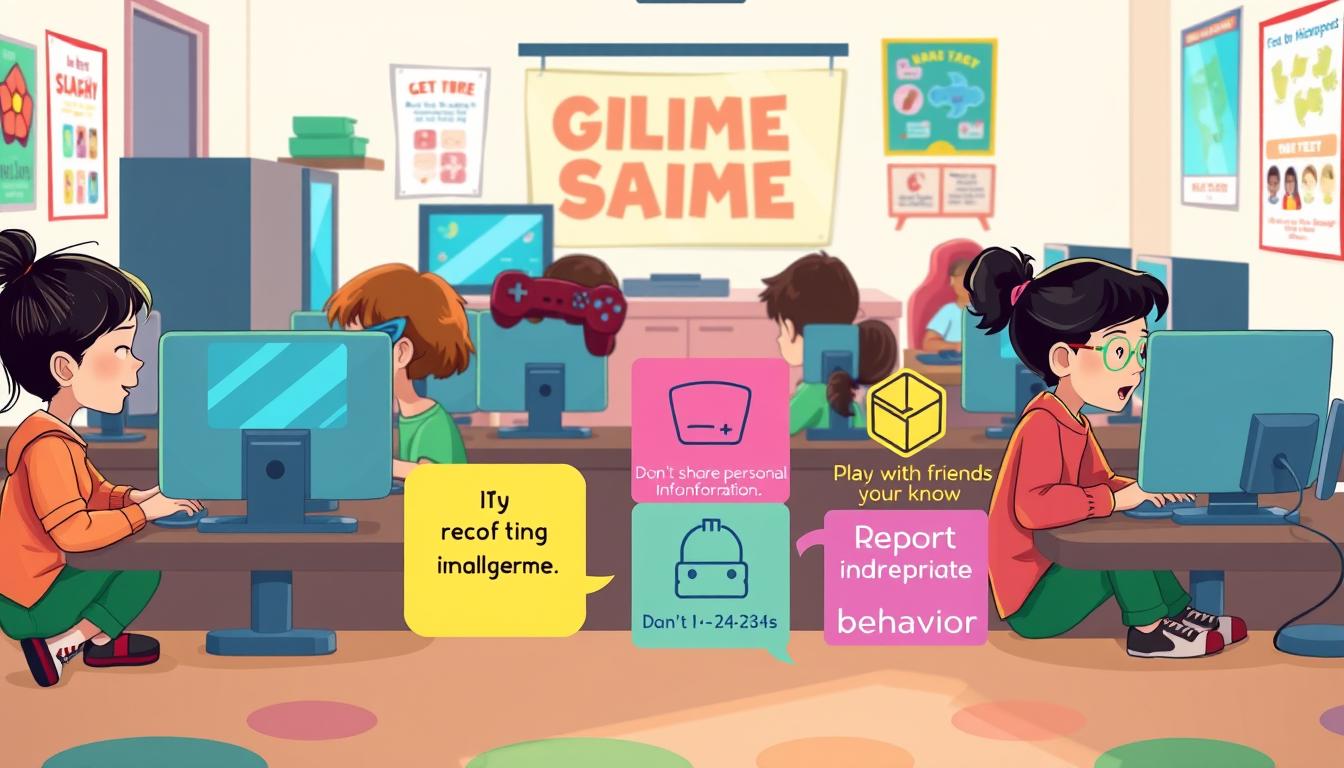
Online gaming is more popular than ever among kids, offering fun, learning and social interaction. However, many parents don’t realize that online games can also expose children to serious risks such as cyberbullying, scams, inappropriate content, and online predators.
Popular games like Roblox, Fortnite, Minecraft, Free Fire, and Call of Duty allow kids to interact with players worldwide, which makes gaming exciting but also increases safety risks if precautions are not taken.
That’s why parents must understand the most common online gaming threats and take steps to protect their children. By using privacy settings, enabling parental controls, and teaching safe gaming habits, you can greatly reduce these risks.
In this guide, you’ll learn how to protect kids in online games with simple but powerful safety rules every parent should know.
Key Takeaways
- Understand the importance of online gaming safety for kids
- Learn how to set strong privacy and security settings
- Discover key safety rules to protect your kids in online games
- Teach your kids safe gaming habits to ensure their digital wellbeing
- Stay informed about online gaming threats and risks
Table of Contents
How to Protect Kids in Online Games from Threats
Online gaming is becoming more popular among kids. Parents need to know about the dangers it poses. Threats include cyberbullying and harassment, exposure to mature content, and predators. It’s important to understand these threats to protect your kids.
Studies show that more than 60% of children who play online games have experienced some form of negative interaction, including bullying or contact from strangers.
Online games often have chat functions for player interaction. This can attract bullies and predators. Some games also contain mature content not fit for children. As a parent, knowing these risks and how to prevent them is crucial.
To ensure your kids’ safety, it’s key to grasp these threats. Cyberbullying can cause emotional harm, and exposure to mature content is not suitable for young minds. Predators target children through online games, so parents must stay alert.
By staying informed and taking action, parents can lessen online gaming risks. This includes setting privacy and security settings, monitoring gameplay, and teaching children about safe gaming. These steps can make a big difference in keeping kids safe online.
For example, games like Roblox and Fortnite include chat features where strangers can contact children, sometimes leading to cyberbullying, scams, or manipulation.
Parents can also follow safety guidance from Google’s official online safety resources for families.
How Strangers Target Kids in Online Games
Strangers often target kids in online games with manipulative tactics. They might act friendly, offering gifts or help to win a child’s trust. It’s crucial for parents to understand these tactics to protect their children.
One common tactic is building a rapport with kids, leading to inappropriate behavior or requests. Some predators may use online games to groom children for future exploitation. It’s important to teach kids about the dangers of talking to strangers online.
To keep their kids safe, parents should set clear rules for online gaming. This includes guidelines on blocking or reporting suspicious behavior. By following online gaming safety rules, the risk of kids being targeted can be greatly reduced.
Parents can take several steps to enhance their child’s safety in online games:
- Monitor their child’s online interactions.
- Teach children how to block strangers in online games.
- Encourage open communication about their gaming experiences.
Set Strong Privacy and Security Settings in Games
Protecting kids in online games starts with setting strong privacy and security settings. Most games let parents control who can talk to their child and what info is shared. They also let parents pick what content is safe for their kids.
Many popular games provide privacy tools. For example, Roblox and Fortnite allow parents to disable chat or restrict who can send friend requests.
First, parents need to find the game’s settings menu. It’s usually under account or profile settings. There, they can tweak several important settings to keep their child safe:
- Make the account private to limit who sees the child’s profile and games.
- Turn off chat to stop strangers from contacting the child.
- Don’t let kids share personal info like names, locations, and contact details.
- Control who can join the child’s game or send friend requests.
These steps help a lot in keeping kids safe from bad people. It’s also important to check and update these settings as kids grow and games change.
- Use parental controls to watch and limit how much time kids spend playing.
- Have tools to report any bad or harmful behavior.
- Use filters to block out mature or bad content.
Using these tools, parents can make a safer place for their kids to play games online. It’s key to keep up with new safety features and tips for protecting kids in games.
Talking to kids about online safety and teaching them how to use these settings is also important. This way, parents can make sure their kids have a safe and fun time playing games online.
You May Also Like: How 5G Internet Works and Why It’s Faster Than 4G
How to Block and Report Unsafe Players
To keep online gaming safe and fun, kids need to know how to block and report bad players. Most games have tools to report or block users who act badly. This helps keep the game a safe place for everyone.
Teaching your child to use these tools is a smart move. When someone is blocked, they can’t talk or play with the blocker. Reporting players helps the game’s moderators deal with rule-breakers.
Steps to Block and Report Unsafe Players:
- Find the player’s username or profile.
- Look for the “Report” or “Block” option, usually on the player’s profile or during gameplay.
- Follow the game’s instructions to report or block.
- Tell a parent or guardian about the incident for advice.

Knowing how to block and report is key. Here’s a simple table to show why:
| Action | Benefit |
|---|---|
| Blocking a player | Stops unwanted contact |
| Reporting a player | Helps moderators act against violators |
| Combining both actions | Makes the game safer and more enjoyable |
Teaching kids to block and report unsafe players boosts their safety online. It keeps them safe and helps make the gaming community better for everyone.
For more kids gaming safety tips, talk about online gaming safety often. Discuss the latest trends and risks with your child.
Use Parental Control Tools for Online Games
Online gaming safety can be greatly improved with parental control settings for games. Many parents don’t know about the strong tools in online games to protect their kids.
Gaming consoles like Xbox, PlayStation, and Nintendo Switch also include parental control apps that help parents monitor and limit gaming activities.
These tools let parents control their child’s gaming, like setting time limits and blocking certain content. They also help monitor who their kids talk to online. Using these tools helps make a safer space for kids to play.
You May Also Like: Best PC Settings for Smooth Gaming
Built-in Game Safety Features
Today’s games have safety features for parents to manage their child’s play. For example, some games let you set time limits or block mature content. A recent survey found that using these features can really cut down on risks for kids.
- Time limits: Set limits on how long your child can play games each day.
- Content filtering: Restrict access to games or content that is not suitable for your child’s age.
- Chat monitoring: Monitor or disable chat functions to prevent unwanted interactions.
- Friend requests: Control who can send friend requests to your child.
As one gaming expert says, “
Parental controls are not just about restricting access; they’re about creating a safe and healthy gaming environment for kids.
” By using these safety features, parents can make sure their kids have a better and safer time playing games.
Teach Kids Safe Gaming Habits
To keep kids safe in online games, teaching them safe gaming habits is key. Learning kids gaming safety tips helps them play games online without risks.
One crucial habit is to never share personal info while gaming. This means not sharing names, addresses, phone numbers, or other details that could identify them. Tell your child to be careful when talking to other players. If they notice anything odd, they should tell the game’s moderators or you.
Another important habit is to not click on links or download content from unknown sources in games. These actions can lead to malware or viruses that harm devices or steal personal data. Teaching your child to be cautious helps protect children in online games from dangers.
Talking about privacy settings and how to use them is also helpful. Many games let you control who can contact your child or see their info. Setting these limits can make your child’s online experience safer.
By teaching these safe gaming habits, you help your child play games responsibly and safely. This not only keeps them safe from immediate dangers but also teaches them how to stay safe online in general.
Monitor Gameplay and Game Chats
To keep your kids safe online, it’s key to watch their gaming and chat activities. This way, you can spot and deal with any dangers they might face.
Using parental control settings for games is a smart move. Many gaming sites have tools for parents to manage their child’s gaming. You can limit playtime, block certain games, and check chat logs for bad words.
| Gaming Platform | Parental Control Features |
|---|---|
| Xbox | Screen time limits, content filters, activity monitoring |
| PlayStation | Parental controls, content restrictions, playtime limits |
| Nintendo Switch | Parental controls app, playtime limits, content restrictions |
These tools help make gaming safer for your child. It’s also good to check in on their gaming and talk about staying safe online. This can help prevent problems.
Teach your child about the risks of sharing personal info online. Also, remind them to be kind in gaming communities.
Create a Safe Gaming Environment at Home
A safe gaming space is more than just tech. It’s about teaching kids to play games responsibly. Parents can help their kids enjoy games safely by setting a good example.
It’s important to make sure kids take breaks from gaming. Too much gaming can hurt their bodies and minds. Encourage them to play outside and be active.

Having a special gaming area is key. It should be free from distractions. This helps kids focus and stay safe while they play.
Tips for Creating a Safe Gaming Environment:
- Use parental controls to block bad content.
- Watch what they play and talk to them about it.
- Teach them not to share personal info online.
- Tell them to report any bad experiences.
By following these steps, parents can make gaming safer for their kids. It’s also important to keep up with new gaming trends. This way, parents can guide their kids better.
| Safety Measures | Description | Benefits |
|---|---|---|
| Parental Controls | Limit access to mature content and set time limits on gaming. | Protects children from inappropriate content and prevents excessive gaming. |
| Gaming Monitoring | Keep an eye on gaming activities and chat logs. | Helps detect potential threats, bullying, or harassment. |
| Gaming Education | Teach children about online safety rules and responsible gaming. | Empowers children to make safe choices during online gaming. |
Creating a safe gaming space at home takes work and dedication. By being involved and teaching kids to play responsibly, parents can help them enjoy gaming safely.
When Should Parents Take Action?
It’s important for parents to know when to act to keep kids safe in online games. They should watch their child’s gaming closely to spot any dangers.
Key Indicators for Action
- Changes in behavior or mood after gaming
- Receiving unknown or suspicious messages
- Being bullied or harassed by other players
- Exposure to inappropriate content
If you see any of these signs, act fast. This might mean telling the game moderators, changing privacy settings, or limiting access to certain parts of the game.
- Document the incident, including dates, times, and details of what happened
- Report the incident to the game’s support team or moderators
- Consider contacting local authorities if the situation is severe
- Seek support from a professional counselor if your child is affected
By being proactive and taking these steps, parents can help protect their children from online threats in games. This ensures a safer gaming experience for them.
Quick Safety Checklist for Parents
- Enable privacy settings in games
- Use parental control tools
- Monitor gameplay and chat activity
- Teach kids not to share personal information
- Show children how to block and report players
- Limit daily gaming time
- Encourage breaks and offline activities
- Keep communication open with your child
Conclusion: Keeping Kids Safe in Online Games
Keeping kids safe in online games is a big job. It needs awareness, education, and action. By knowing the dangers and setting rules, parents can make sure their kids have fun and stay safe.
It’s important to set privacy and security settings right. Teaching kids how to play safely and watching their games are key steps. Parents must stay involved and act when needed to protect their child’s online safety.
Following these tips and staying up-to-date with safety rules helps parents guide their kids. This way, kids can enjoy gaming without facing too many risks. By taking these steps, parents can help their kids have a good time online while keeping them safe.