
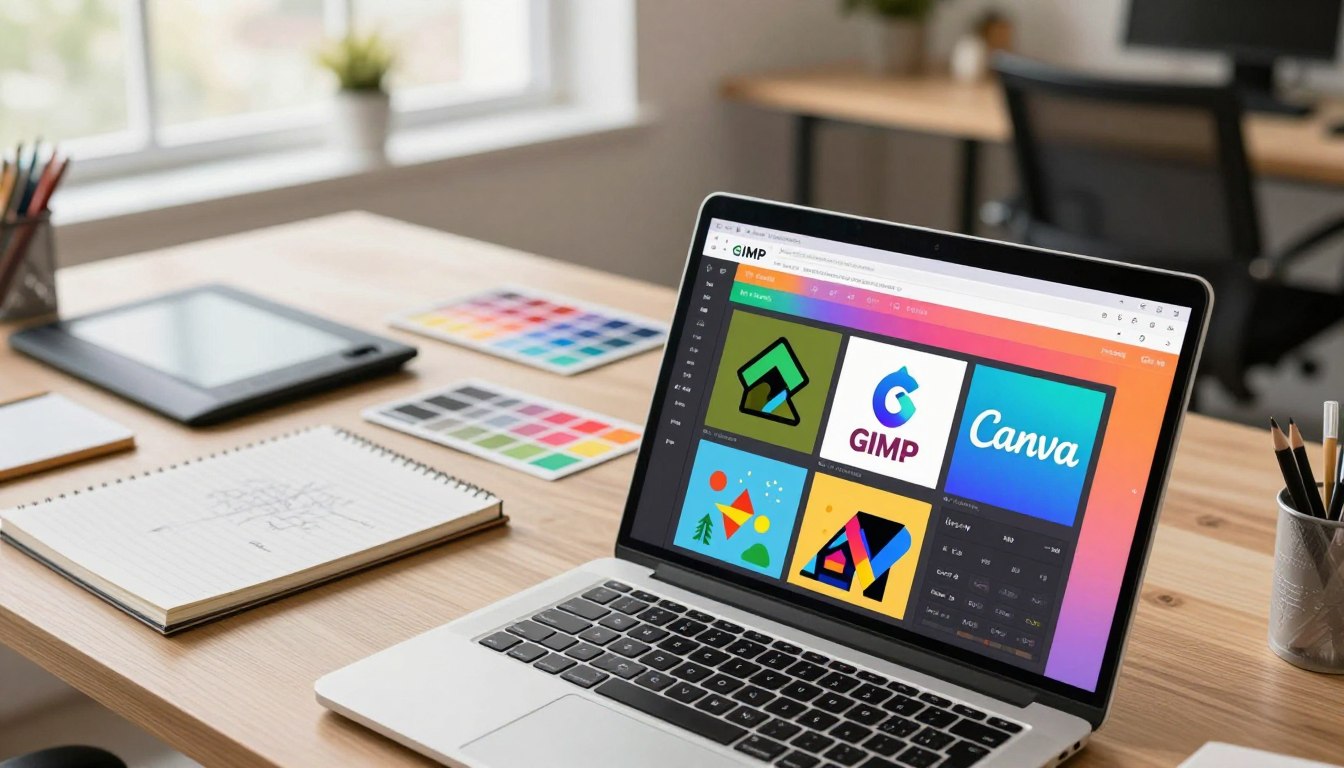
Free graphic design software for PC is the best way for beginners to start designing without spending money. For beginners starting with graphic design on PCs, finding the right tools can be tough. Luckily, many user-friendly software are free, making it easier to begin.
Software like Canva, GIMP, Krita, Inkscape and Paint.NET have features for different design needs. They are not only free but also work well on Windows PCs. This makes them available to many people.
Whether you want to make social media graphics, edit photos or design logos, these graphic design software have what you need. They can help you to create professional-looking work without spending a lot on software.
You May Also like Best programming languages
Key Takeaways
- Canva is great for creating social media graphics and other visual content.
- GIMP offers advanced photo editing features.
- Krita is ideal for digital painting and illustration.
- Inkscape provides powerful vector graphics editing.
- Paint.NET is a versatile photo editing tool.
Table of Contents
Why Free Graphic Design Software Matters for Beginners
For those new to graphic design, free software is a great way to start. It opens the door to the creative world without a big cost.
No Financial Risk to Start Learning
Free graphic design software lets beginners learn without spending money. This is great for students or those just starting in graphic design.
Professional Results Without the Price Tag
Free graphic design software can make professional-looking designs without the high cost. This means beginners can make high-quality designs, just like with paid software.
User-Friendly Interface
Many free graphic design tools have easy-to-use interfaces. This makes it simpler for beginners to learn and use the software. It helps new designers improve their skills faster.
Feature Availability in Free Versions
Free versions may have some limits, but they still offer many useful features. Some key features include:
- A variety of templates and design assets
- Basic editing tools and filters
- Support for multiple file formats
With these features, beginners can make many types of designs. This includes social media graphics, posters and flyers.
Canva: The Beginner-Friendly Design Platform
Canva is a top choice for beginners in graphic design. It has a simple and easy-to-use interface. It also has many templates and tools to help you get started.
Key Features for New Designers
Canva is great for new designers because it’s easy to use. Drag-and-drop functionality makes adding elements simple. It also has a huge library of templates and graphics to inspire you.
Plus, Canva’s collaboration tools let you work with others in real-time. This makes designing together easier.
Pros and Cons
Canva’s big plus is its user-friendly interface. It’s easy for anyone to use, no matter their skill level. It also has a huge template library and regular updates with new features.
But, the free version has some downsides. It has fewer templates and graphics than the paid version. Also, designs have Canva branding on them, which might not be good for professional work.
Limitations of the Free Version
The free version of Canva is still very useful. But, it has some limits. You get fewer templates and graphics than the paid version.
Also, designs have Canva branding on them. This might not be what you want for professional projects. Still, Canva is a great tool for beginners to start with graphic design.
GIMP: The Open-Source Photoshop Alternative
GIMP is a powerful, free graphic design software that rivals Adobe Photoshop. It’s a free graphic design software for PC with tools for all levels. Whether you’re new or experienced, GIMP has what you need.

Essential Features
GIMP has many features, like layers, filters and effects. It’s a great graphic design tool for Windows. It also works with many file formats, making it easy to share your work.
Pros and Cons
GIMP is very customizable, letting you tailor your workspace. But, it can be hard to learn for beginners.
Best Uses for Beginners
GIMP is great for beginners who want to learn graphic design without spending money. It’s perfect for photo editing, digital art, web and print graphics.
You May Also like Best Affiliate Marketing Tools in 2026 (Top Picks + Reviews)
Comparing Top Free Graphic Design Software for PC
Looking to start graphic design without spending money? There are many free graphic design software for PC that work well for both beginners and professional designers. They offer powerful tools and features to help you create impressive designs.
Feature Comparison Table
Let’s look at the top free graphic design software for PC. The table below shows what Canva, GIMP, Inkscape, Krita and Paint.NET offer.
| App | Primary Use | Vector Graphics | Photo Editing | Digital Painting |
|---|---|---|---|---|
| Canva | Graphic Design | Yes | Yes | No |
| GIMP | Photo Editing | Limited | Yes | No |
| Inkscape | Vector Graphics | Yes | No | No |
| Krita | Digital Painting | No | Yes | Yes |
| Paint.NET | Photo Editing | Limited | Yes | No |

Learning Curve Assessment
Each app has its own learning curve. Canva is easy to use, great for beginners. GIMP and Inkscape are powerful but take time to learn. Krita is good for digital painting and Paint.NET is easy for photo editing.
Best App for Different Design Tasks
The best app depends on the design task. Canva is top for graphic design. GIMP and Paint.NET are good for photo editing. Inkscape is best for vector graphics and Krita is great for digital painting.
Knowing what each free design app for PC offers helps you choose the right one for your needs.
You May Also like Freelancing Success Tips for Modern Professionals
Other Notable Free Design Tools: Inkscape, Krita and Paint.NET
There are many free design tools beyond the popular ones. These tools meet different design needs. They help both beginners and professionals in their work.
Inkscape for Vector Graphics
Inkscape is a strong open-source vector graphics editor. It’s perfect for making logos, icons and detailed illustrations. It has many features, like support for various file formats and advanced drawing tools. Inkscape is a great choice instead of Adobe Illustrator.
Krita for Digital Painting
Krita is a free digital painting software. It offers a top-notch painting experience. It has many brush engines, including customizable ones. Krita’s easy-to-use interface and rich features make it a favorite among digital artists.
Paint.NET for Simple Photo Editing
Paint.NET is a free image editing software for Windows. It has tools for basic photo editing. It supports layers, effects and adjustment tools. Paint.NET is perfect for those who need a simple yet effective photo editing tool.
Inkscape, Krita and Paint.NET are not just free. They also have lots of features to help users reach their design goals. Whether you’re into vector graphics, digital paintings or photo editing, there’s a free tool for you.
Important Things Beginners Should Know About Free Graphic Design Software
Starting with graphic design can feel overwhelming for beginners, but having the right tools makes a big difference. Choosing the right free graphic design software for PC helps new users learn faster and design with confidence.
Ease of use is one of the most important factors when selecting a design tool. Applications like Canva and GIMP are built with beginners in mind, offering simple layouts and easy-to-understand features that allow users to start designing right away.
System performance also plays a key role. Most free graphic design software for PC run smoothly on standard computers, but checking each tool’s system requirements ensures better stability and a smoother design experience.
File format compatibility is another advantage of free graphic design software. Many tools support popular formats such as JPEG, PNG and SVG, making it easy to work with different types of graphics across multiple platforms.
By understanding these essential points, beginners can approach graphic design with greater clarity and confidence. Free graphic design software for PC provides an excellent starting point for learning, experimenting and creating professional-looking designs without financial pressure.
Conclusion: Getting Started with Free Graphic Design Software
Free graphic design software for PC are a great way for beginners to start. Software like Canva, GIMP, Inkscape, Krita and Paint.NET let users make professional designs without spending money.
The best software for beginners are easy to use and have all the basic tools. They also let users learn and grow. Starting with free software, beginners can try out different tools and improve their skills. They can then move to paid software if they need more features.
Now, beginners can explore graphic design using these free tools. They can make amazing visuals, edit photos and create professional designs. By learning from these software, users can open up new opportunities and make their creative ideas come to life.